Facebook Ads: 9 Tips for Better Results in 2026

Want to get better results with Facebook ads? Do you want to generate more sales and engagement that show up on the bottom line? Here are 9 concrete tips for better advertising on Facebook.
More than 2.9 million Norwegians use Facebook every day, and 3.4 million are active weekly. If you want to become visible through digital marketing and get more customers, you should absolutely be present with Facebook ads. Not only because of the many users, but also because of the data foundation Facebook has.
The information people and your target audience have voluntarily shared has been turned by Facebook into parameters you can use when targeting ads. This gives you many opportunities to run specific marketing toward your target audience with Facebook ads. This is information that platforms such as Google Ads, Twitter, and LinkedIn, for example, do not have to the same extent.
I created these tips after working with online advertising for several dozen brands, as well as spending several hundred hours on optimization and courses in Facebook ads. They are by no means absolute rules, but simple principles used daily. Hopefully, they will help you advertise better on Facebook.
I have challenged myself to be as concrete as possible and have not included typical obvious advice such as “set clear goals, know your audience, and blah blah blah.” This post gives you concrete tips for advertising on Facebook effectively, for those of you who truly want to optimize results with Facebook ads.
In this article, I share tips about advertising on Facebook that are also useful for those who want to advertise on Facebook’s other platforms, such as Instagram and Messenger, through Facebook Ads Manager.
Here you can read more about what Meta itself says about advertising on Facebook.
1. Be deliberate about using the Facebook pixel for effective Facebook ads
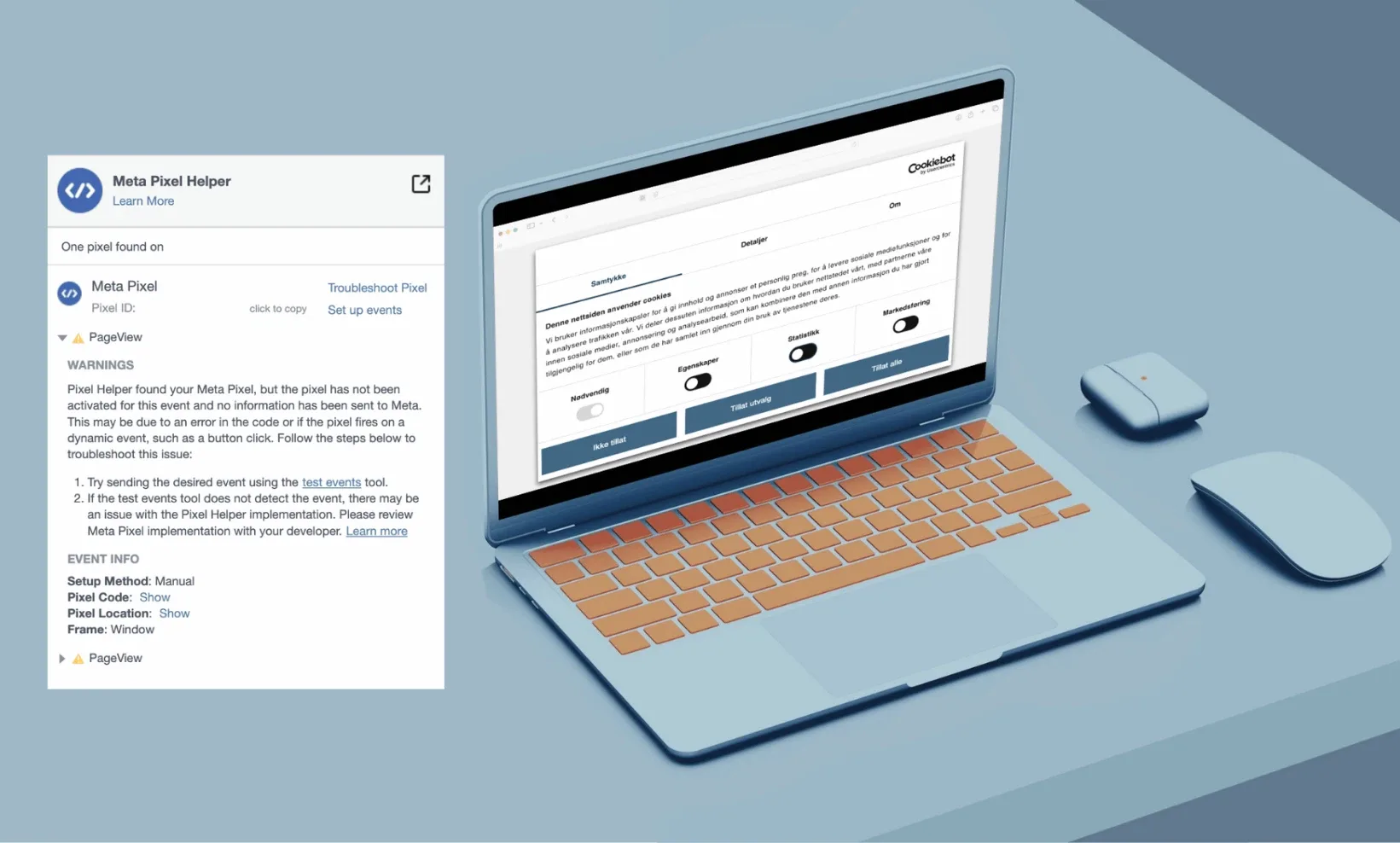
For the past four years, I have updated this article so that it remains relevant. The Facebook pixel and conversion goals have always been my first tip for better Facebook ads. Now, however, something has happened that makes it harder to defend the use of the Facebook pixel on a website.
The Austrian Data Protection Authority concluded on January 13, 2021, that the use of Google Analytics is prohibited. This is because online identifiers, which humans perceive as incomprehensible numerical codes, are considered personal data.
These numerical codes are used by Google Analytics and transferred to the United States. In 2020, the Schrems II ruling determined that it is not legal to transfer data from EU citizens to the United States, since American companies cannot guarantee that the data will not be passed on to U.S. authorities.
As of 2026, it is once again permitted to transfer data to the United States. Even so, you must obtain active consent from users in order to use cookie technology in marketing. Therefore, you should have an active and deliberate approach to using the Facebook pixel. If you collect data but do not use it yourself in your Facebook ads, you should consider removing it.
Because even if you do not use the data, Meta uses the information to build a profile of your website users. For example, if you sell an IT service, Meta will think something like this:
“Aha, this user has visited a website for IT services. That probably means the person is interested in IT and related services. We (Meta) can then show this person more information about this in the Facebook feed. Both organically and through ads.”
And just like that, competitors of your IT company may end up advertising to your website users.
Here you can read more about how to install the Facebook pixel on your website.
Set up conversion goals
Once installed, it allows you to start creating audiences based on behavior on your website, define conversion points — which is incredibly useful when you want to see whether your ads are working — and create lookalike audiences, meaning audiences with a similar profile and behavior pattern to your existing users.
2. Use a large audience when advertising on Facebook
Facebook Ads Manager has several hundred parameters you can use for targeting: interests, job titles, whether people are parents, and so on. One mistake many people make is targeting far too narrowly. For effective Facebook ads, you should think broadly when defining your audience.
Instead of adjusting this yourself, you should set gender, age group, and geographic location, and then let Facebook’s advanced mathematics — the algorithms — find the best target audience for your ad.
After a learning phase with 50 campaign results within seven days, Facebook will be fully trained and able to deliver the campaign as effectively as possible. In Facebook Ads Manager, you can see how many campaign results remain before it can deliver optimally.
Give the algorithm the opportunity to learn during the learning phase.
Give the algorithm the opportunity to learn during the learning phase.
Later in the article, you can learn more about the importance of giving the algorithm time to learn, finding cost per result, scaling budgets, and A/B testing.
3. Give the algorithm time in your Facebook ads
Facebook’s algorithms need 50 campaign results to understand who the ad should be shown to, which is important for optimal Facebook advertising. When advertising on Facebook, you should give the algorithm time to find the best target audiences for you.
If the campaign objective is link clicks or engagement, getting 50 results with a relatively small budget and in a short time is not a problem. If your campaign objective is sign-ups through Facebook Lead Ads or conversions, it can be challenging to get the results needed for stable campaign delivery.
In general, my tests show that longer campaign periods perform better than short ones. You should not run three-day campaign periods and burn through the entire budget in a short time. When advertising on Facebook, you should consider spending three weeks on the campaign and gradually scaling up the budget for better results.
Every time you make major changes to the ad set or the ad, the algorithm needs 50 new campaign results in order to deliver optimally.
Find cost per result (CPA)
My experience from collecting emails for newsletters is that the cost will probably be above NOK 8.31 per email. I would therefore recommend starting at a higher level for these types of campaigns. Some conversion ads also require a much larger budget; sometimes you will not be able to get 50 conversions in a week.
For campaigns aimed at getting link clicks — typically NOK 4 per result — or engagement — around NOK 0.70 per result — a starting budget of NOK 50 per day will give you the results you need to achieve optimal campaign delivery.
4. Scale your Facebook ads budget correctly
When scaling up the budget for your Facebook ads, it is important to do so gradually. Since the algorithm uses 50 results to understand who should be shown the ad, you should hold back the budget at the start in order to optimize the costs of Facebook ads.
Start with, for example, a daily budget of NOK 50.
Increase the budget by 25 percent every three days, meaning from NOK 50 to NOK 62.50 and then to NOK 78.13 after another three days.
Stop scaling when you reach a daily budget level you are comfortable with.
It takes time, but it is a good way to keep costs down while continuously letting the algorithm understand who the ad should be shown to.
If you need to scale faster, for example during a campaign period, you can increase by 40 percent every fourth day and start with a higher daily budget.
Example: You have a budget of NOK 50 for the first three days. After three days, you scale to NOK 62.50 — 25 percent. After another three days, you end the week with another increase to NOK 78.13. You will then have spent NOK 415.63 that week.
If you divide NOK 415.63 by 50 results, you get NOK 8.31, meaning NOK 8.31 as the budget for each conversion — CPA.
5. Optimize based on the right metric
After the campaigns have been running for a few days, a fair amount of data will appear. In Meta Ads Manager, you will see different columns such as impressions, reach, cost per result, budget, CTR, and so on. The goal is to get as many results as possible for the money, and you should turn off what is not working and move the budget over to what is working.
The reason I mention this tip is that when I once helped someone with Facebook ads and optimization, they turned off the ads with few clicks and put the budget into the ad that had received the most clicks. However, the cost per link click was actually cheaper for the ad that fewer people had clicked on than for the one most people had clicked on.
Cost per result is what you should optimize for. What the result is depends on the campaign objective, but it could be cost per engagement, cost per click, cost per conversion, and so on.
6. A/B testing in Facebook Ads Manager for better Facebook advertising
A simple way to get started with optimizing your ads is A/B testing. This is an important strategy for achieving good results with Facebook advertising, because you can quickly find out which ads work best. It will give you the cheapest possible results, such as more traffic to your website.
A/B testing — split testing — means exposing your target audience to two versions of an ad. When you see results, typically after two days, you turn off the one that performs worst and use the budget on the one that works.
An A/B test could, for example, be the same ad text but with two different images. You do A/B testing by placing two different versions of an ad in the same ad set.
After advertising for a while, you can choose to show only the ads that perform well. With this method, advertising on Facebook becomes more cost-effective, and you avoid throwing money out the window.
7. Content and placement mix
Remember not to publish only link posts, only photo albums, or only video. Try to create a content mix where you vary the formats. The reason is that Facebook’s algorithms give people the content they want.
For example, I click a lot on link posts and watch videos, but I do not engage with albums. Since Facebook wants me to spend a long time on its platform, it does not want to “bother me” with content I have previously shown no interest in. If you, as a marketer, only create photo albums, I and others who do not engage with that post format will not see your message.
Therefore, you can set up several ad formats and posts as an A/B test using carousel, standard link post, or video.
The same applies to ad placements. Use ad placements on all platforms available in Meta Ads Manager, such as Messenger and Instagram.
8. Optimize placements and audiences for effective Facebook advertising
As you get results from your Facebook advertising, you can optimize the campaigns to achieve lower costs per result. This will give you better results and a more cost-effective Facebook ad campaign. To me, it is about getting more results at a lower price or cost per result.
To make the campaign as cheap as possible, it is important to see which elements make the campaign expensive and what works.
Inside Facebook Ads Manager, you can click Breakdown where you have an overview of all your campaigns.
There, you can get a separate results line for each group. If you select age, for example, you will see around a dozen lines showing results for ages 18–24, 25–34, and so on. You can also combine age and gender, different devices, Instagram vs. Facebook, and several other factors.
Remember that cost per result is what matters when optimizing. That gives you the most results for your money. By clicking the cost per result column heading, the results will be ranked from high to low. Then you can see which audiences, devices, or placements have worked best.
Based on this knowledge, you can then adjust the campaign.
Note: As mentioned earlier, the learning phase starts over when you edit the ad set. You should therefore use the knowledge to set up a new ad set instead of tinkering with the old one.
Some campaigns have the objective of reaching a specific target audience regardless of what the Breakdown function may show. This is typical for attitude campaigns, for example. When it comes to sales and conversions, reaching everyone is not as important. Then the lowest possible cost per sale will be what matters.
Remember that when you make major changes to an ad, Facebook once again needs 50 results within the week in order to expose the campaign as optimally as possible to the right people.
9. The campaign structure that generates sales
A Facebook campaign consists of three different steps:
Campaign objective
Ad set
Ad content
In the first step, campaign objective, you must make a choice: What do you want to achieve with the campaign? Here, Facebook gives you eleven different objectives.
However, it is not just one of the campaign objectives that will make you successful with Facebook ads. It is a complementary campaign structure consisting of three different campaigns that gives you a sales machine.
Are you familiar with terms such as inbound marketing or sales funnel? In any case, these are the principles you should use to structure your campaigns in order to generate more sales through social media. The principle is that a customer journey often consists of three different phases.
The three phases of the customer journey:
Awareness
Consideration
Decision
HubSpot, which provides software that works according to the inbound methodology, uses the words attract, convert, sell, and delight. The goal is to move prospects further down the funnel.
First Facebook campaign: Awareness
The task of the first step in the campaign structure is to spark interest among, but also identify, the people who may be interested in your product or service.
You should not engage in hard selling and scare away potential customers, but rather provide value.
Valuable content that people actually want to consume can be divided into three groups:
Entertaining
Inspiring
Educational
It is not always easy to know what kind of valuable content to create. The goal is to spark interest among people who later in the customer journey may be relevant for a sales offer from you. Therefore, it is important not to resort to cheap “click and like campaigns” and clickbait. In this phase, your communication must be crystal clear in order to attract the right people.
Creating entertaining content can be challenging because what people find funny is highly individual. Fortunately, creating inspiring and educational content does not have the same pitfalls.
Examples of valuable content:
Chiropractor: “Does your computer screen give you neck pain? Here are five simple exercises you can do at work.”
Outdoor clothing: “Here are the mountain hikes you should not miss.”
Interior design: “These are the tips that make your home feel larger.”
What campaign objective?
Later in the customer journey, you will use the Facebook pixel to target ads toward people who have interacted with your awareness campaign. Therefore, it is important that you choose a campaign objective that will generate a foundation of prospects.
Campaign objectives you should choose:
Engagement — content people can interact with on Facebook and Instagram.
Video views — videos people will watch a lot of, posted natively on Facebook or Instagram.
Clicks — content people can consume on a website you have access to so that you can install a Facebook pixel.
The audience you expose these ads to can be identified using Facebook’s core data or through a lookalike audience.
Second Facebook campaign: Consideration
Once people have interacted with your ads in the awareness phase, you should use retargeting to show them new ads. The job of these ads is to get the prospect to see ads that make it easier to evaluate your product or service.
Here, it is important to focus on what is unique about your brand and what differentiates it from competitors.
Suggestions for ads include:
Customer reviews — testimonials
How the product is used
How the product or service makes everyday life better or easier
Here too, it is important to be able to target ads toward those who interact with these ads. Therefore, people must want to engage, watch part of the video, or visit a website with a Facebook pixel that you own.
Third: Decision/sale
Now we have reached the bottom of the funnel and the campaign with the sales-triggering ads. Because of the two earlier ads, the audience that sees these ads will be warm and will already be familiar with your brand and the various qualities of the product or service.
I have good experience creating product scarcity and time scarcity — scarcity and urgency — with sales campaigns. It is simply about giving people sitting on the fence one final push that makes them convert. These are tactics you will definitely recognize from TV commercials and banner ads: “Only 23 hours left of the offer” and “Few items left in stock.”
These ads do not need to be too loud, but it is easy for people to postpone a purchase. This “now or never” moment and clear call to action should get them to take action. You will not get people who do not know your product or lack the right knowledge about it to convert through product scarcity and time scarcity. These ads should only be targeted toward people you know are interested in your product.
The best campaign objective for online sales is conversions. To do this, you must have installed a Facebook pixel and created a conversion in Facebook Business Manager. If, for example, you set up an A/B test, Facebook will show which ads work best so that you can get the most sales for your advertising budget.
When I have previously sold more expensive products that required a high level of involvement, I have targeted ads toward the audience with an offer to join a newsletter. In the newsletter, I continued to provide value for four weeks, before the fifth email was a sales email.